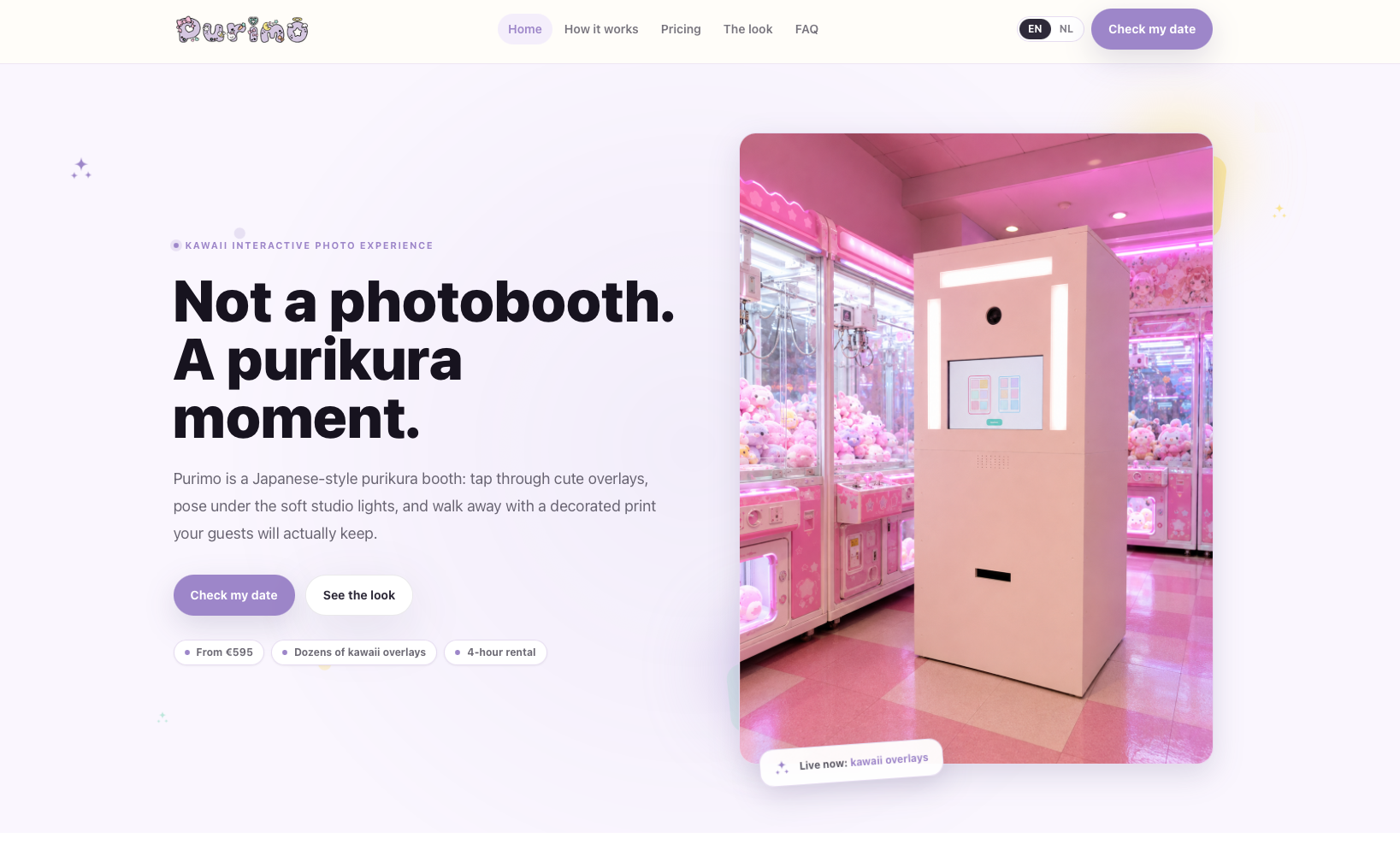
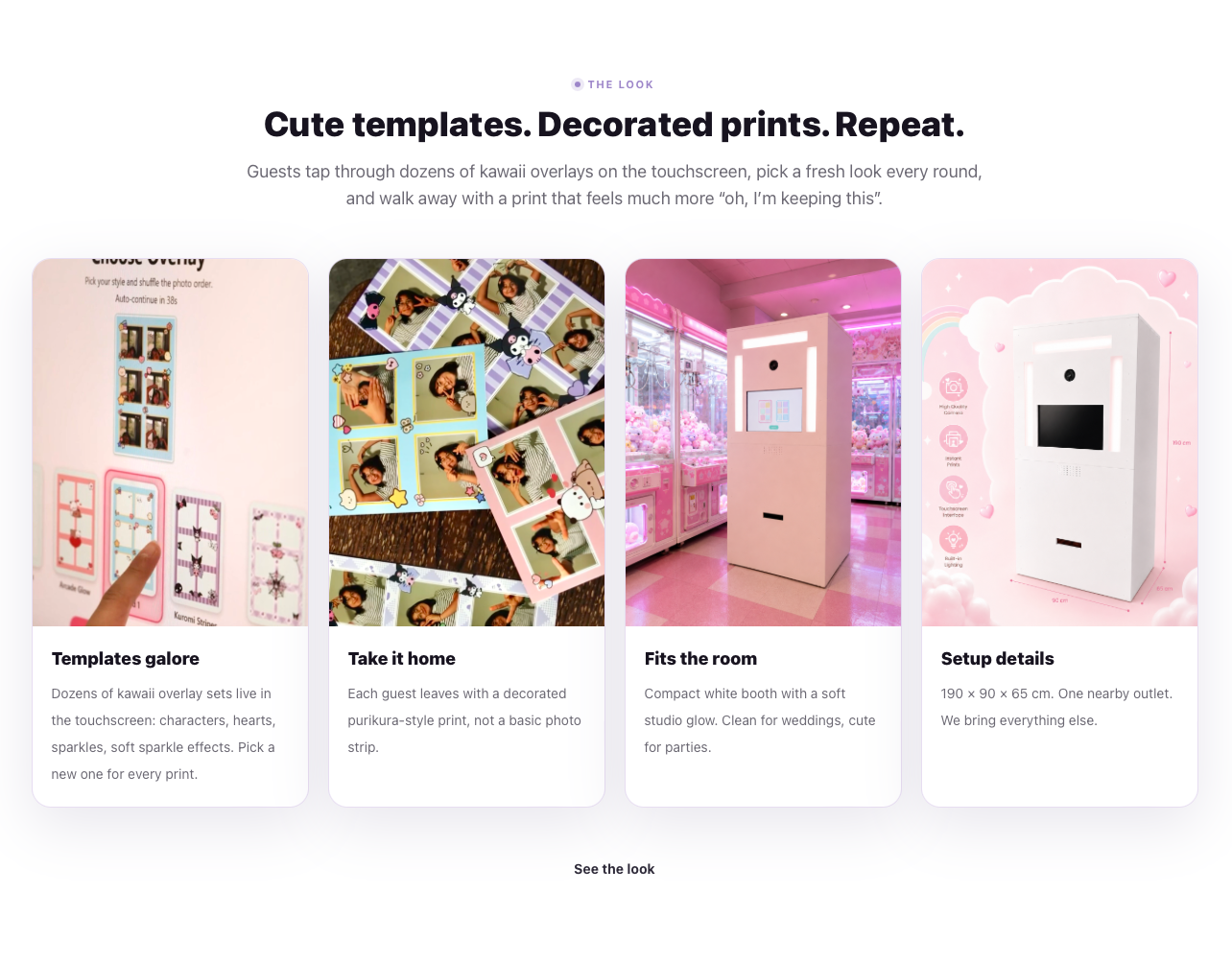
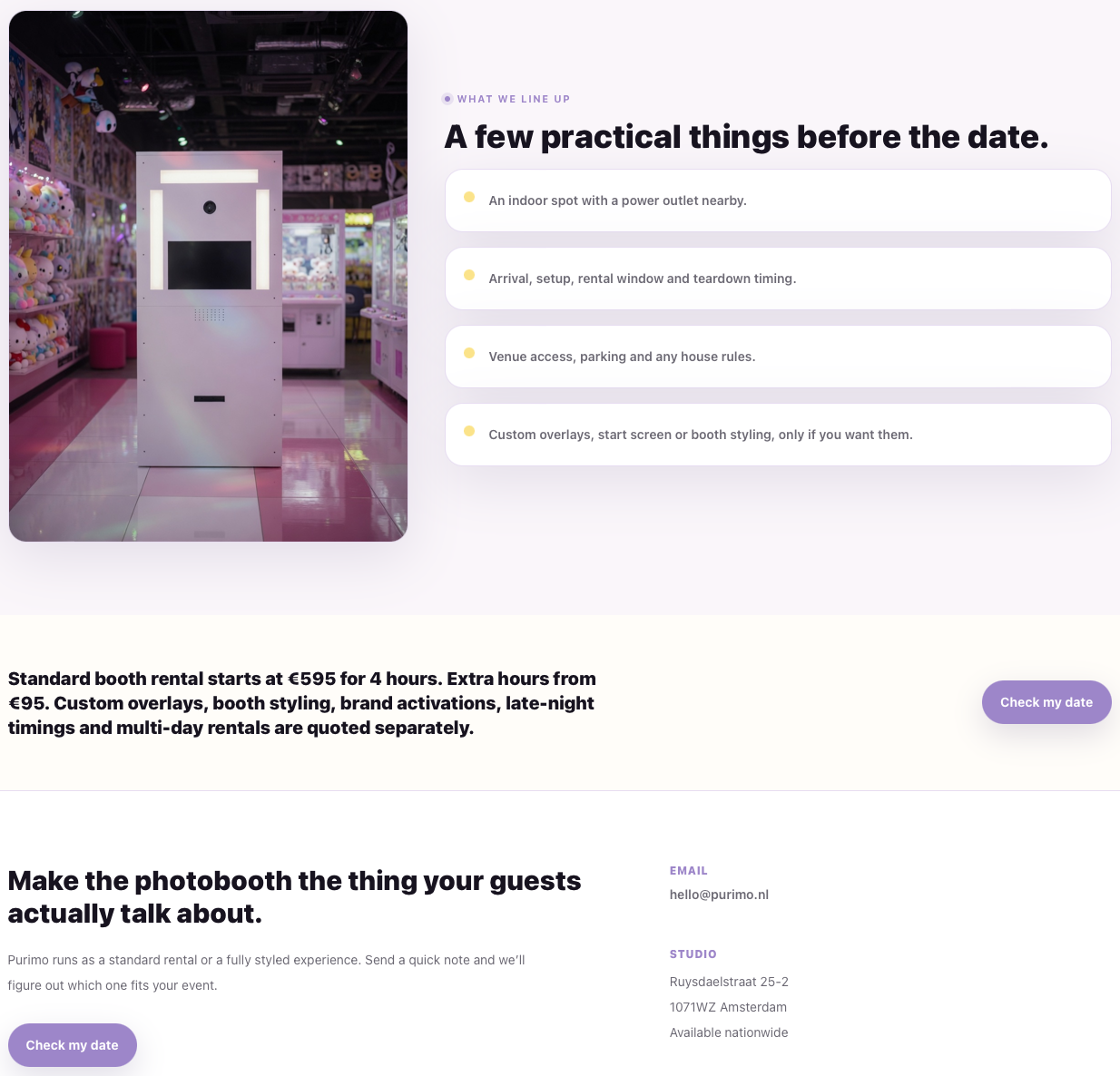
Purimo is a live purikura-inspired photo booth experience for events. It combines a touchscreen kiosk interface, guided photo capture, layout selection, kawaii overlay styling, and printed take-home output.
Who it is for
It is for events, parties, and brand moments where the photo booth should feel playful, visual, and easy for guests to use without an operator standing next to them.
Why I built it
I wanted to build an experience where software, hardware, print output, and event product thinking all meet in one visible object.
Problem / Solution
The problem
Most event photo booths feel generic and passive. Guests press a button, wait, and leave with a standard print. Purimo needed to feel more like a Japanese arcade booth: visual, guided, cute, and still practical enough to run at a real event.
The solution
Purimo uses a fullscreen WPF kiosk app to guide the session: idle screen, countdown, three-photo capture, layout selection, preview, print, reset. The app keeps the state flow deterministic while hardware work stays behind camera, print, layout, storage, and logging services.
Key features
01
Touchscreen kiosk session flow
02
Serialized session state machine
03
Countdown and three-photo capture
04
PNG and JSON layout templates
05
4x6 print-ready image composition
06
Camera and printer service abstractions
Tech used
Application
C#
WPF
.NET 8 LTS
Strict MVVM
Single MainWindow kiosk shell
Session engine
SessionManager
SessionState enum
Serialized transition lane
UI-thread events
Microsoft.Extensions.Logging
Hardware
ICameraService abstraction
IPrintService abstraction
Mock services first
Canon camera path
DNP printer workflow
Layout and output
PNG overlay templates
JSON PhotoSlots
4x6 portrait output
1200x1800 px at 300 DPI
Windows print queue
Media
Public rental landing page
Templates, decorated prints, and booth details
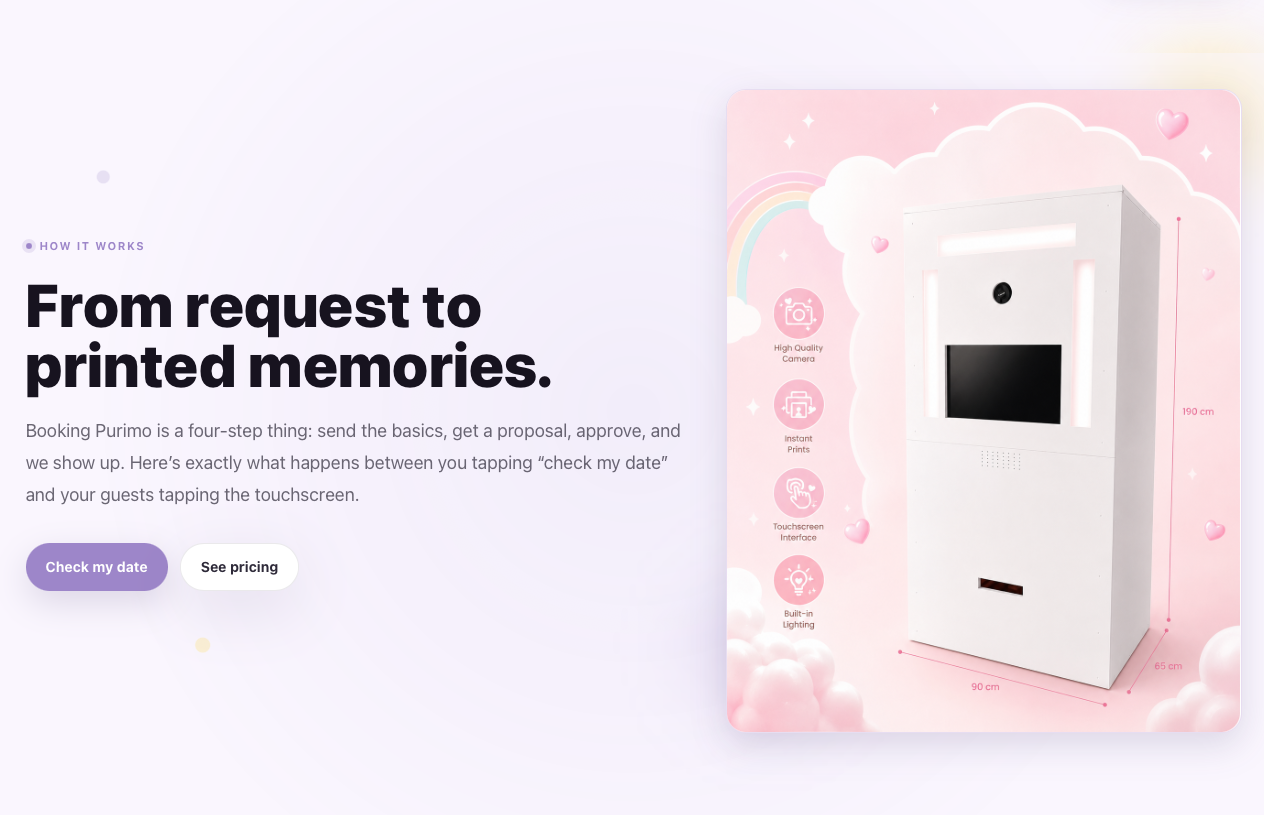
Booth setup and rental flow section
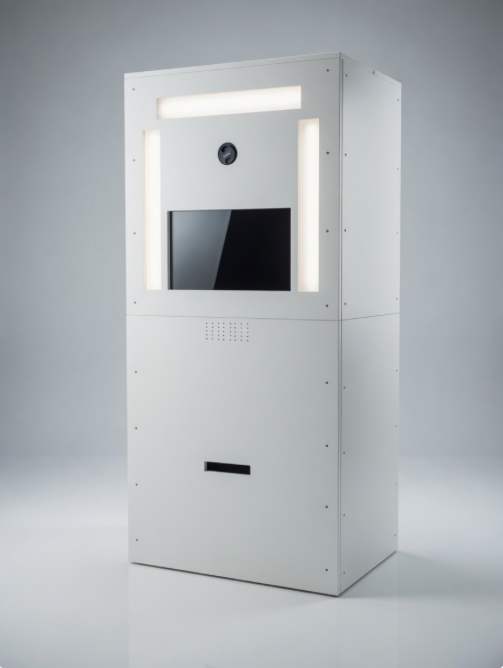
White kiosk booth hardware
Practical event setup details
Build notes
Purimo is live as a rental product, but the interesting engineering is still under the surface. The kiosk app keeps business logic out of code-behind, routes all screen changes through a single session owner, and uses hardware interfaces so camera and printer implementations can change without rewriting ViewModels.
Need something similar?
Practical dashboards, automations, ecommerce tools, and interactive systems.